Zero-knowledge
Operator cannot decrypt
Protect bookmarks you don't want others to see with zero-knowledge encryption.
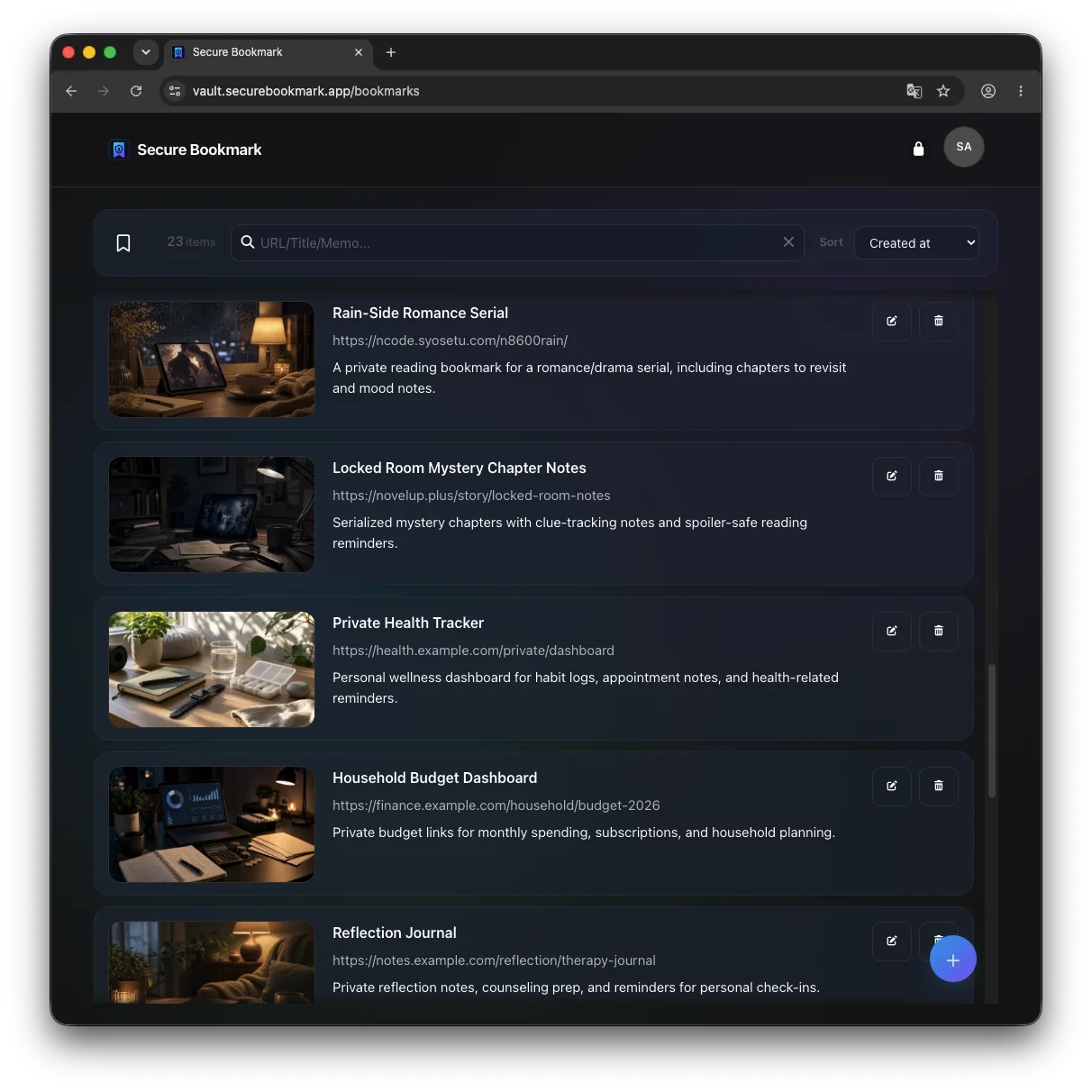
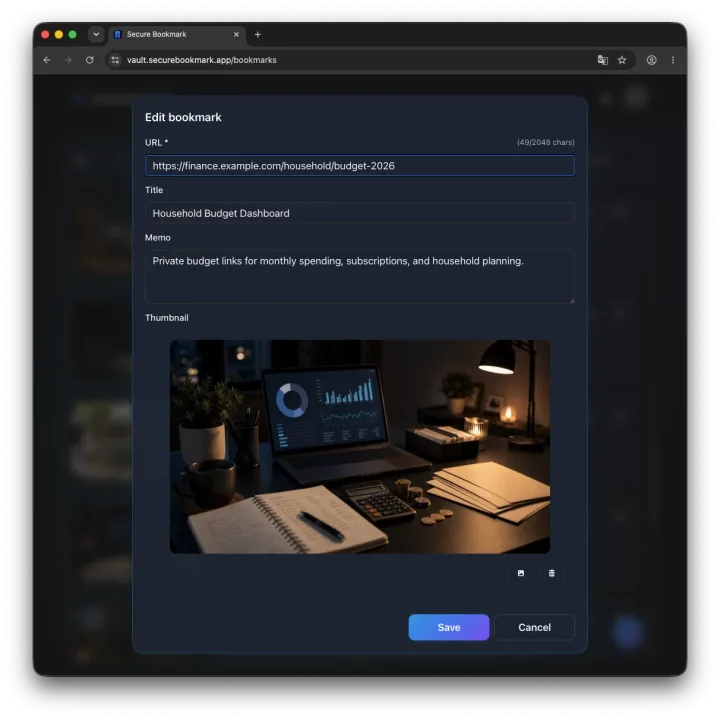
Visually identify pages with thumbnails. Saving site details in notes can help you search if a link stops working.
Use across mobile and PC regardless of device or browser, and capture links easily with the Chrome extension.
When lending your phone to family or using a shared device, use Secure Bookmark in your browser's private or incognito mode. Your bookmarks are encrypted, and private mode also reduces browser history, cookies, and form data left on the device.
Beyond privacy risks when sharing devices, broken links leaving you with no context and bookmarks scattered across browsers cause daily headaches. Secure Bookmark solves them all.
Lending your phone or PC to family or coworkers, you worry they might open your bookmarks and see private pages you meant to keep to yourself.
When saved links break (404) or websites shut down, you cannot recall what the page was about, leaving you without clues to search for it.
Text titles alone make finding pages difficult. In large collections, you want to spot target websites instantly and visually with thumbnail previews.
Bookmarks are fragmented across different devices and browsers. You want a unified, device-independent private vault accessible from mobile and PC alike.
Thinking about digital legacy and the unexpected, you want personal interests and research stored in a form that third parties can never decrypt.
Saving private pages shouldn't take effort. You want to send URLs and page titles to Secure Bookmark effortlessly via right-click or toolbar extensions.
Combining robust zero-knowledge encryption with practical everyday tools: thumbnail previews, searchable notes for 404 links, multi-device support, and seamless Chrome extension capture.
URLs, titles, notes, and thumbnails are encrypted on your device before storage. The secret key is never sent to the server, ensuring no one—including the operator—can decrypt your data.
Attach thumbnail images to your bookmarks. Instead of reading plain text titles, identify websites visually and spot the exact page you need in seconds.
Record site summaries or keywords in notes and search your bookmarks by note content. Saving these details can also help you search if a link stops working.
Free yourself from browser-specific sync. Access your encrypted bookmark vault seamlessly from smartphones (iOS/Android), PCs (Windows/Mac/Linux), or any modern web browser.
Send a page URL and title from the context menu or toolbar popup to the app, review the details, and then save it without manual copy-pasting.
Get the Secure Bookmark extensionWhen you choose ranking sort, bookmarks you open most often appear at the top, so you can reach key pages quickly.
No credit card is required. Your secret key stays off the server, and locked bookmarks stay unreadable without it.
Create an account, set your secret key, and save your first bookmark.
No credit card is required. Sign up with your email address and password, then start on the free plan.
Create the secret key used to encrypt your bookmarks and unlock them later.
Save URLs with thumbnails and notes as your own private bookmark list.
Answers to common questions before you start.
Start for free. No credit card is required.
Save private pages without handing the server your key.